Role-based access control for AI agents

Protecto masks sensitive data before AI agents read it. Each answer shows real values only for the data types the asker’s role allows, so an AI agent never sees more than the person it works for.

SOC 2 Type II · ISO 27001 · HIPAA, BAA available

Trusted by regulated enterprises & agentic platforms
Inovalon
Automation Anywhere
Citrix
Bank Of Muscat Logo
Dell
Case study result

How a Fortune 100 company enforced data policies across its AI agents

Days

To enforce policies at a Fortune 100 company

5,000+

Live enterprise tenants with their own policies at Automation Anywhere

90%

Lower cost than building it in-house, at a SaaS company

Why AI agents ignore your roles

A support rep asks an AI agent to sum up a refund dispute. The AI agent pulls the ticket, the customer record and the payment history through a service account that can read everything. The summary shows the full card number and date of birth to a rep who should see neither.

An AI agent shares whatever its own account can read.

AI agents run as superusers.

One service account serves every user, so every answer gets that account’s access.

Roles live outside the AI stack.

Permissions sit in your app or directory. Prompts, vector stores and tool calls never see them.

Every team rebuilds the checks.

Each new AI agent adds its own filters, and none of them match.

Pick a role, see what it can unmask

Each role gets a list of data types it may see in real form. Everything else stays a token, including in what an AI agent writes for that role.

Tap a type to switch it · 3 of 6

What the answer shows

Refund request from Maya Shah (maya.shah@example.com, +1 415 555 0142). Card <CARD>5Gk2 h8Lw</CARD> was charged twice on March 3. Date of birth on file: <DOB>q7Zt2W</DOB>. SSN <SSN>x9Rk-Pq</SSN> was used for the account check.

An AI agent answering for a support rep gets exactly this view. The model itself only reads tokens. Synthetic example.

See this with your own roles.

Roles come from the systems you already run

Your application passes each user’s role with every request, using a Protecto auth key. Change a rule by updating the policy your application passes; agent code stays the same.

Protecto does not replace your identity or agent identity tools. It applies the roles you already manage.

1

Sign in

A support rep signs in. The role comes from your app, or from AD or Okta groups through Privacy Gateway.

2

The role travels with each request

Your application calls Protecto with an auth key and the policy for that role.

3

The AI agent works on tokens

The model and its tools read tokens, so the AI agent cannot pass on what the rep may not see.

4

The answer is unmasked by role

Protecto restores real values only for the data types the role allows.

AI agent service accounts and Protecto, side by side

Most AI agents start with one service account. Here is what changes when roles decide what each answer shows.

CapabilityProtectoAI agent service accounts
Who the AI agent acts asThe role of the person who askedIts own account, with broad access
What the model readsTokens, never real valuesWhatever the account can read
Control by data typeCard, SSN, email and more, per roleTable or document level
Changing a ruleUpdate the role’s policy; agent code stays the sameChange code in each AI agent
Adding a teamAdd a role to the policyNew account and new checks
Separate customersA policy per tenantSeparate deployments
Records for auditorsEvent logs for each mask and unmaskAgent logs, if any

Add role checks without rewriting your AI agents

Call Protecto from LangChain, LlamaIndex or your own code. Mask what the AI agent reads, then unmask its answer with the policy for the asker’s role.

One policy per role. Your AI agents call the same API whoever is asking.

Roles are one layer of control

Combine roles with the other controls your AI agents need.

01

Views by user and source permission

Each user sees only the records their source systems allow.

02

Decisions by context and task

CBAC weighs who is asking, for which task and why, and can rewrite text that is sensitive as a whole.

03

A policy per customer

Platforms that serve many customers give each tenant its own roles and policies.

04

Records for your auditors

Reports show where sensitive data flows and how your data policies were enforced.

Security & compliance

Built for regulated data at enterprise scale.

Protecto combines data protection, audit logs, and ready-to-use policies for regulated data, whether deployed as SaaS, on-prem, in a private cloud, or air-gapped.

SOC 2 Type II

Audited controls

ISO 27001

Certified ISMS

HIPAA

BAA available

GDPR

EU data ready

DPDP

India privacy law

CCPA / CPRA

US privacy
Independently verified to outperform AWS Comprehend and Microsoft Presidio · audit logs on every scan, mask, and unmask.

Go deeper on access control for AI agents

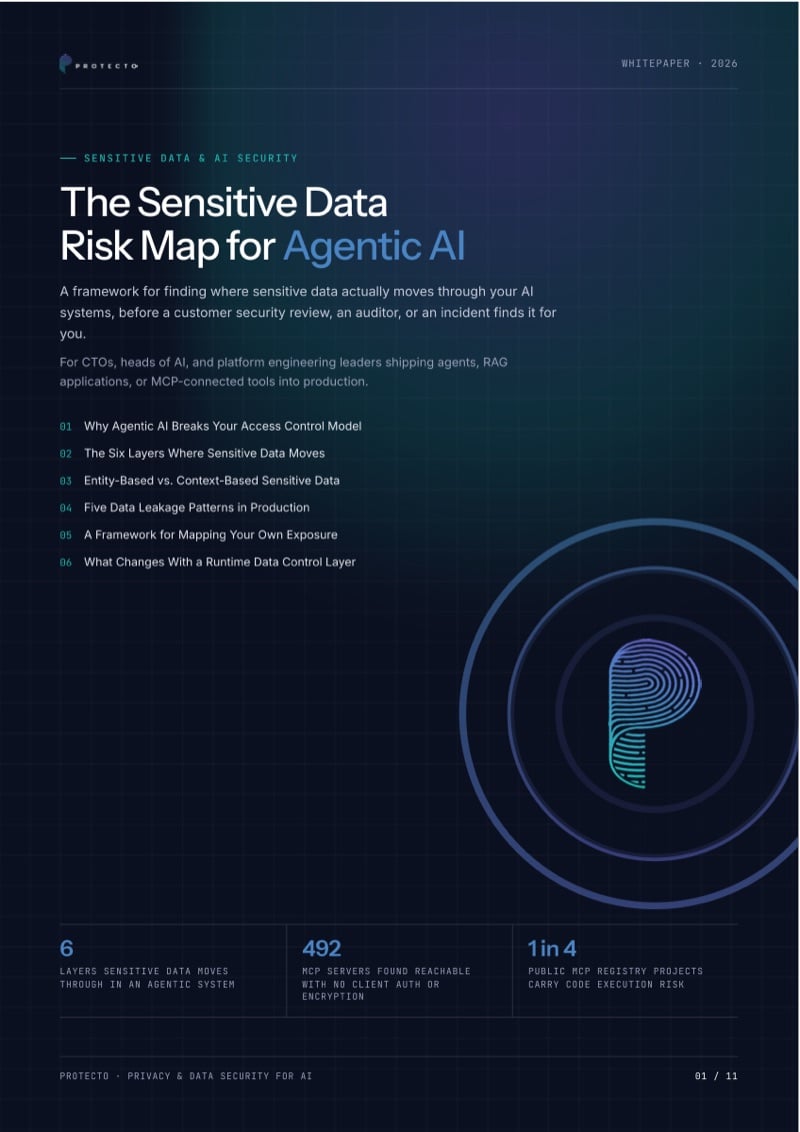
Cover Of The Whitepaper The Sensitive Data Risk Map For Agentic Ai
Whitepaper · 11 pages

The Sensitive Data Risk Map for Agentic AI

Six layers where sensitive data moves in agentic AI, and a framework for mapping your own exposure.

Questions about RBAC for AI agents

What is RBAC for AI agents?

Role-based access control for AI agents decides which data types each role may see in real form, and applies it to everything an AI agent reads or writes. The AI agent works with the role of the person who asked, not with its own broad access.

RBAC answers “which data types can this role see?”. Data access control answers “which records can this user open?”. CBAC adds the task and the purpose. Protecto supports all three, and most teams start with roles.

No. An AI agent takes the role of the person it works for, so a support rep’s AI agent sees what the support rep sees.

Yes, through Privacy Gateway. You keep each user’s masking and unmasking access in AD or Okta groups, and Gateway issues a Protecto auth key with that access at login. If you use Protecto Vault directly, it’s a headless API, so your team can build the integration around it.

Tokens such as <CARD>5Gk2 h8Lw</CARD>. Each token keeps the data type, so the model can still reason about the record. Real values come back only in the answer, and only for the types the role allows.

No. Update the policy for the role. Your application passes the same policy name, and the AI agent calls the same API.

Yes. Each tenant can have its own policies. Automation Anywhere runs more than 5,000 live enterprise tenants this way.

Yes. Event logs record each mask and unmask, so your auditors can see how your policies were applied.

Give every role the right view

Bring your roles and a sample record, synthetic if you prefer. We will show you what each role and its AI agents can see.

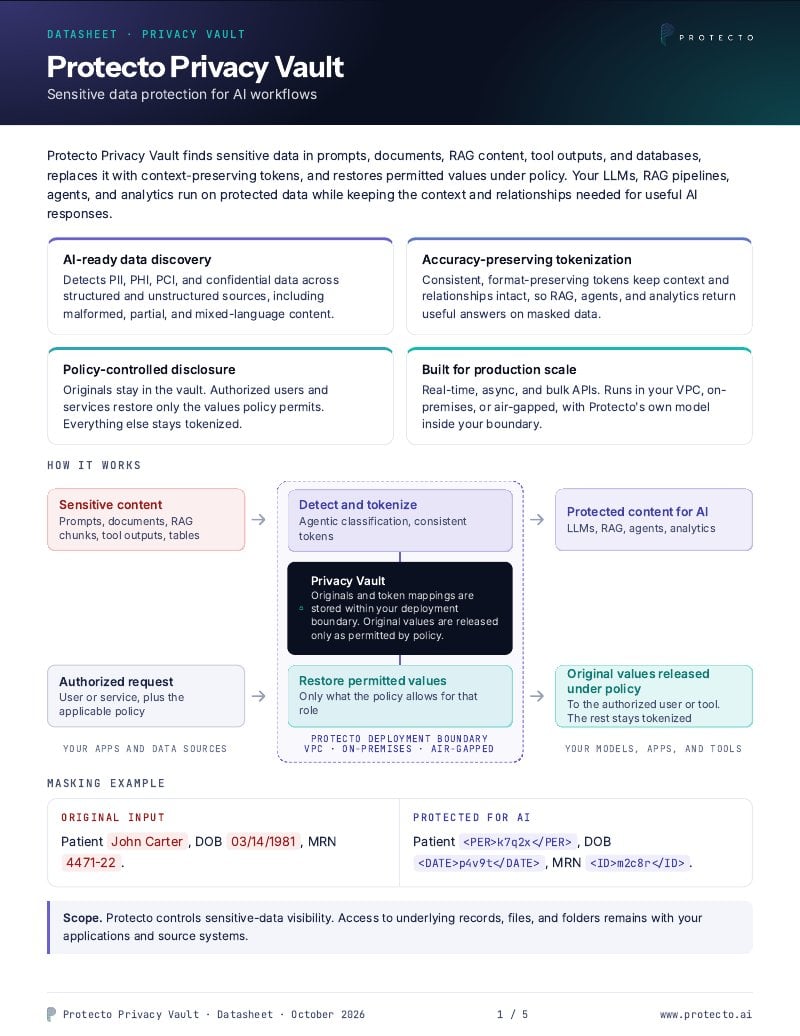
Cover of the Protecto Privacy Vault datasheet
Datasheet

Protecto Vault: sensitive data protection for AI workflows

Features that safeguard your data across agents, AI applications, RAG pipelines, MCPs, data lakes, and enterprise systems.

By submitting you agree to Protecto’s privacy policy.

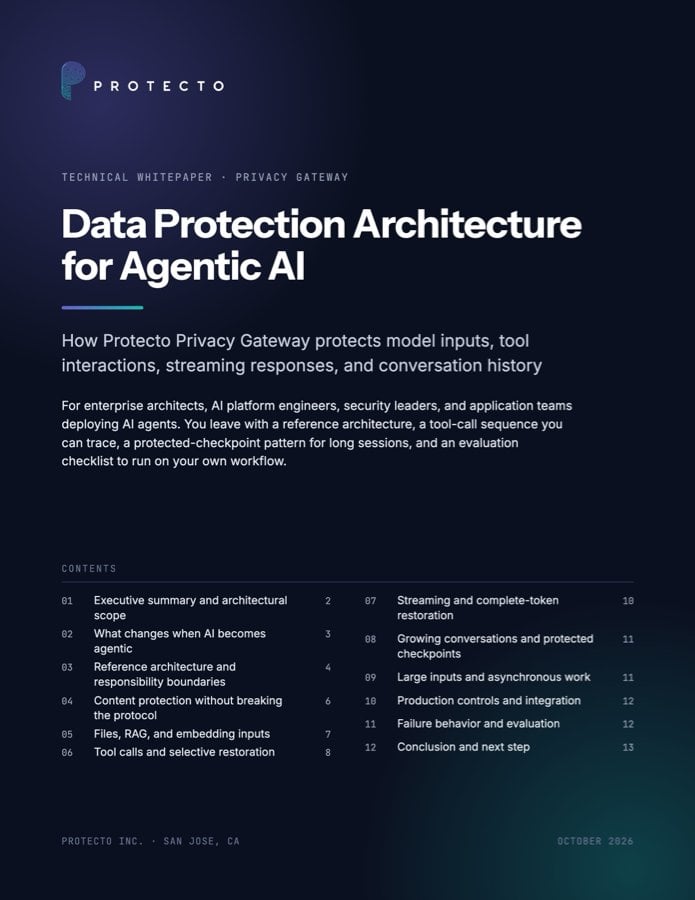
Data Protection Architecture for Agentic AI whitepaper cover
Technical whitepaper

Data Protection Architecture for Agentic AI

A reference architecture for protecting sensitive data across agent workflows, for architects and AI platform engineers.

By submitting you agree to Protecto’s privacy policy.

Cover of the whitepaper The Sensitive Data Risk Map for Agentic AI
Whitepaper

The Sensitive Data Risk Map for Agentic AI

A framework for finding where sensitive data moves through your AI systems, before a security review or an auditor finds it for you.

By submitting you agree to Protecto’s privacy policy.

New: run any AI model without exposing real values.
See how it works